Everything between the work and the deposit.
Umbra Pay is one system for invoicing, collection, reconciliation, and reporting. Here is what that actually means, feature by feature.
Invoicing
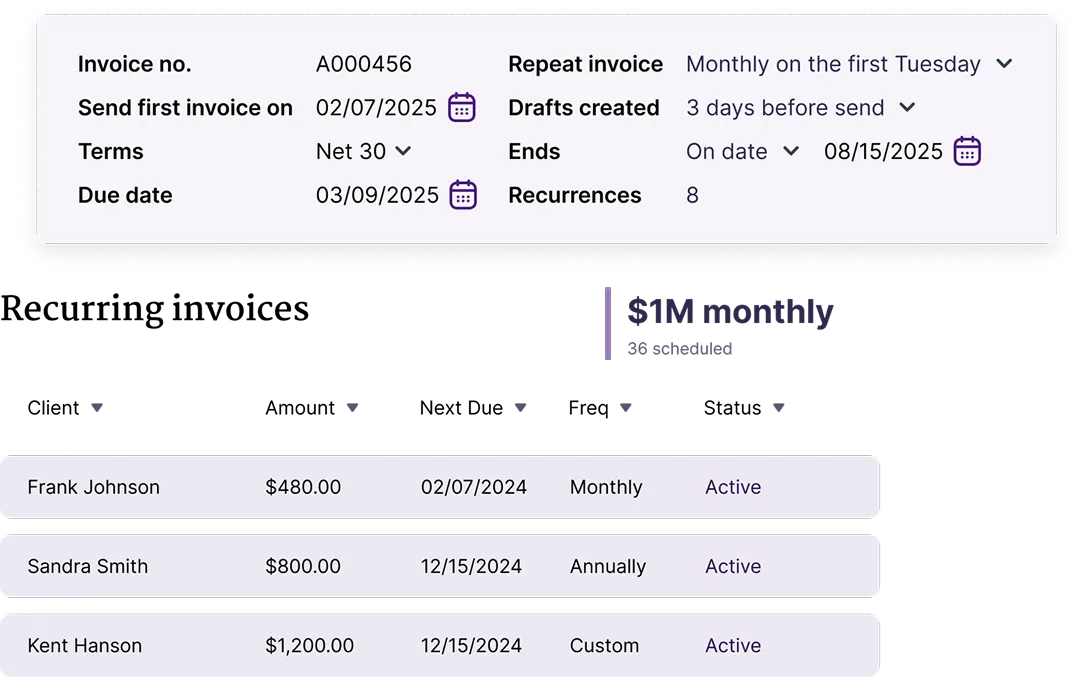
Built around how firms actually bill — drafts that wait, series that repeat, and line items you don't retype.
-
Drafts and scheduled sends
Save an invoice as a draft and send it on the date you choose.
-
Recurring series
Recurring series run on the schedule you set.
-
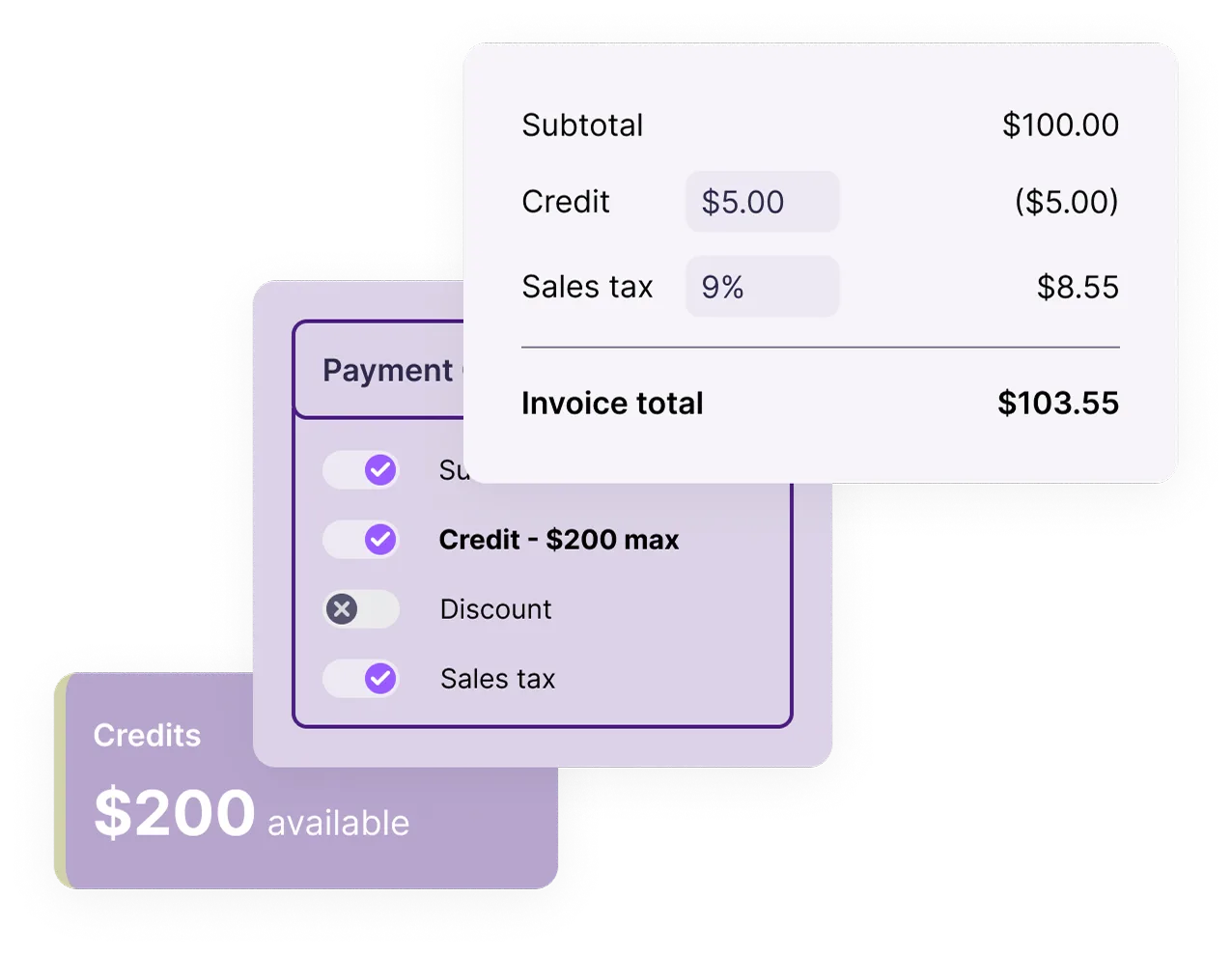
Saved items
A reusable catalog of services and rates, so pricing stays consistent across the firm.
Getting paid
The part your client sees. It should take one screen and no account.
-
Card and ACH
Both methods on one hosted page. No add-on processor, no second contract.
-
Pass-through fee
Optionally present the 3% card fee to the payer, itemized before they confirm.
-
Automated reminders
Automatic reminders before and after the due date — set once, then leave it.
-
Needs Attention queue
Bounced emails, failed cards, and returned ACH surfaced with the cause, not a generic error.
QuickBooks sync
The hardest integration in this category, and the reason most firms switch to us.
-
Two-way, live
Two-way sync of invoices, customers and payments, as they happen.
-
Fees and deposits
Processing fees and settlement deposits post to QuickBooks automatically, so the bank feed reconciles.
-
Reversals and returns
Refunds and ACH returns post to QuickBooks automatically instead of stranding a payment.
-
Audit trail
Every write to QuickBooks is logged, timestamped, and traceable to a transaction.
Reporting
Written for accountants: numbers that tie out, not dashboards that impress.
-
Aging and DSO
Customer aging, DSO trend, and cash-flow forecast from live receivables.
-
Collections performance
What's being paid, and how fast.
-
Settlement and fees
Settlement and deposit detail, and fee reconciliation per period.
-
Tax and compliance
1099-K, transaction history, and customer statements you can hand to a client.
Security and control
You're routing client money through us. The controls should reflect that.
-
PCI DSS Level 1 processor
Card data handled by a PCI DSS Level 1 processor — it never touches our servers.
-
Encrypted in transit and at rest
TLS 1.2+ in transit, encrypted at rest on AWS, with sensitive credentials held in AWS KMS.
-
Role-based access
Owner and employee roles for each business.
-
Activity history
Activity history on every invoice and payment, plus an audit-trail report.
QuickBooks today. More on the way.
We built the hardest one first — a live, two-way sync that survives reversals, returns, and partial payments. Xero is in development.
- QuickBooks Online Live
- Xero In development
Let us elevate your invoicing experience.
Reduce cost, remove the tedious parts, and get the insight you need to grow — without adding another tool to the stack.